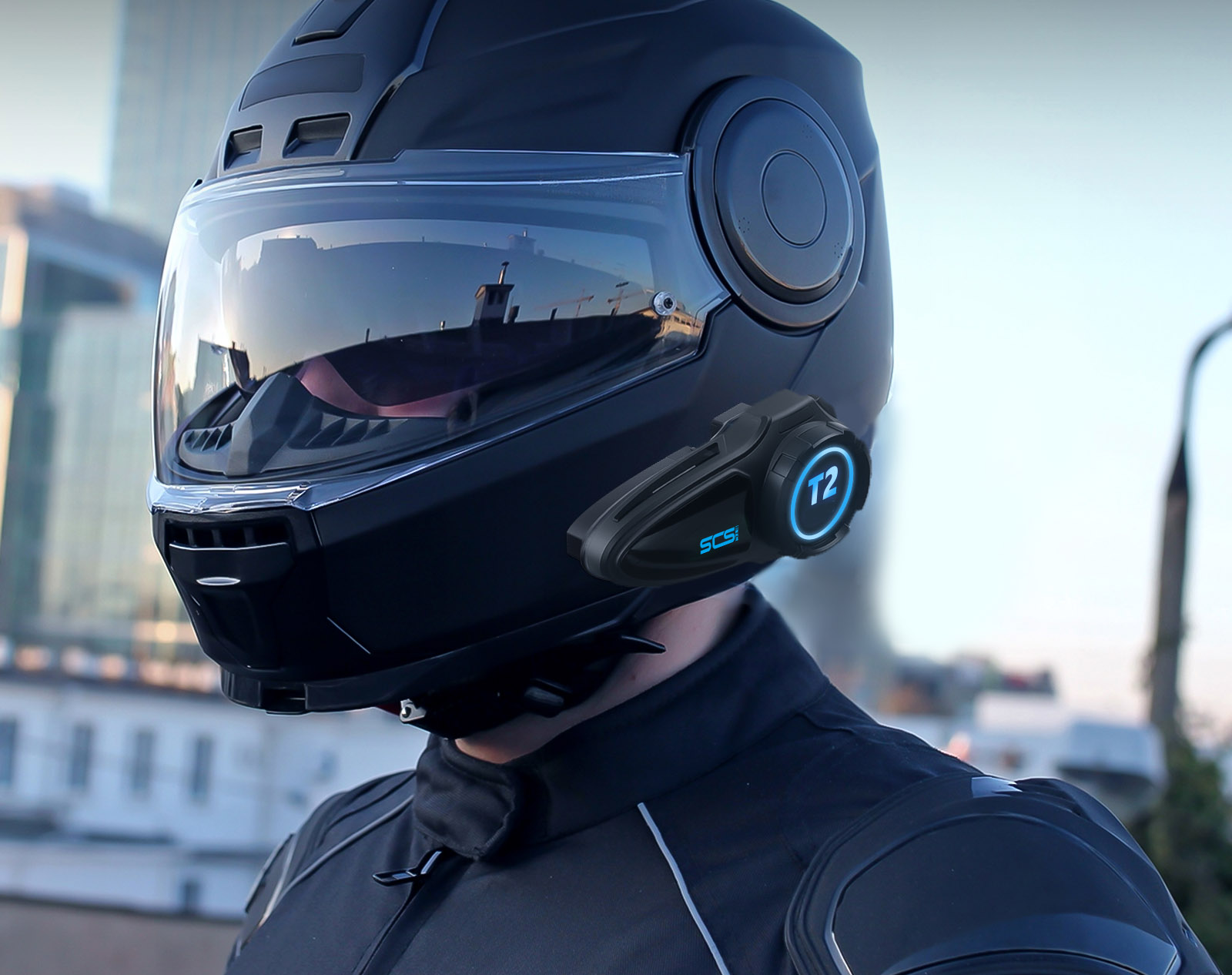
How to Care for Your Motorcycle Intercom: Maintenance Tips for Longevity
A quality motorcycle intercom is an investment — one that should last you through years of riding seasons with proper care. While modern intercoms like SCSETC's S9XM and T2 Plus are built to handle rain, dust, and the occasional drop, a few simple maintenance habits can significantly extend their lifespan.
Here's a practical guide to keeping your intercom performing at its best.
1. Water Resistance ≠ Waterproof: Protect from Moisture
Most motorcycle intercoms carry an IPX4 to IPX7 water-resistance rating. This means they can handle rain splashes and brief immersion — but they're not designed for extended water exposure.
What to do:
- Avoid prolonged water exposure: If you're caught in a heavy downpour, consider covering your helmet with a waterproof cover or storing the intercom unit in a jacket pocket until the rain eases.
- Don't submerge: Even IPX7-rated devices (surviving 1-meter immersion for 30 minutes) are not meant for swimming or extended submersion.
- Dry after wet rides: After riding in rain, remove the intercom from your helmet and wipe it dry with a soft cloth. Let it air-dry completely before charging or storing.
- Watch for high humidity: Storing your intercom in a damp garage or basement for months can corrode internal contacts over time.
2. Protect from Heat and Direct Sunlight
The 2.4 GHz radio components and lithium-ion battery inside your intercom are sensitive to extreme temperatures. Prolonged exposure to direct sunlight — especially on a hot summer day — can degrade performance and shorten battery life.
What to do:
- Don't leave your helmet in direct sunlight: When parked, cover your helmet or store it in a shaded area. A black helmet sitting in the sun can reach internal temperatures above 50°C (122°F), baking the intercom unit.
- Avoid hot car trunks: Temperatures inside a parked car can exceed 60°C (140°F) in summer — hot enough to damage lithium-ion batteries permanently.
- Let it cool before charging: If your intercom feels hot after a long ride in the sun, let it cool down to room temperature before plugging it in. Charging a hot battery accelerates wear.
3. Avoid Strong Impacts and Drops
While intercoms are designed to survive the vibrations of motorcycle riding, they're not immune to hard impacts. Dropping your helmet onto concrete or banging the intercom unit against a wall can damage internal solder joints, dislodge the microphone, or crack the casing.
What to do:
- Handle your helmet with care: When taking off your helmet, set it down gently — don't toss it on the ground or hang it by the intercom unit.
- Use a helmet bag or shelf: Store your helmet on a padded shelf or in a protective bag when not in use, rather than balancing it on a narrow hook where it can fall.
- Check after any impact: If your helmet does take a hard knock, inspect the intercom for cracks, loose parts, or rattling sounds before using it again.
4. Keep It Clean: Sweat, Dust, and Grime
Riding exposes your intercom to sweat (especially in summer), road dust, bug splatter, and exhaust residue. Over time, this gunk can clog microphone ports, stain the speaker mesh, and degrade button responsiveness.
What to do:
- Wipe it down regularly: Use a soft, slightly damp cloth (water only, or a mild electronics-safe cleaner) to gently wipe the intercom surface. Avoid harsh detergents, alcohol, or chemical solvents — these can damage plastic and rubber seals.
- Clean microphone and speaker grilles: Use a soft-bristled brush or a can of compressed air to clear dust from the mic and speaker ports. Don't push anything into the holes — it can puncture the speaker diaphragm.
- Remove earwax buildup: If you use in-ear speakers, check and clean the ear tips regularly. Earwax buildup can muffle sound and create hygiene issues.
5. Charge Correctly: Battery Best Practices
The lithium-ion battery in your intercom will degrade over time, but proper charging habits can slow that degradation significantly.
What to do:
- Use the right cable: Stick with the provided Type-C cable or a quality third-party equivalent. Cheap, uncertified cables can deliver unstable voltage.
- Avoid overcharging: Modern intercoms have protection circuits that stop charging when full, but it's still good practice to unplug once charged — especially if you're charging overnight.
- Charge at moderate temperatures: Don't charge your intercom in freezing cold or scorching heat. Ideal charging temperature is 10–30°C (50–86°F).
- Don't drain to zero: Lithium-ion batteries prefer shallow discharge cycles. Try not to run your intercom completely flat before recharging.
- Partial charges are fine: You don't need to charge from 0% to 100% every time. Charging from 30% to 80% is actually gentler on the battery.
6. Long-Term Storage: What to Do When You're Not Riding
If you're storing your bike for winter or not riding for several weeks, proper intercom storage prevents battery damage and component degradation.
What to do:
- Charge to ~60–70% before storage: A fully charged battery degrades faster in storage, while a completely empty battery can fall into deep discharge and never recover. Around 60–70% is the sweet spot.
- Remove the intercom from your helmet: Storing it separately prevents accidental impacts and lets you store it in optimal conditions.
- Store in a cool, dry place: Avoid damp basements, hot attics, or freezing garages. A climate-controlled indoor space is best.
- Use a protective pouch or case: A soft carrying pouch or a case with shock-absorbing padding protects the intercom from dust and minor bumps.
- Recharge every 2–3 months: Even in storage, batteries slowly self-discharge. Check the charge level periodically and top up if it drops below 40%.
7. Helmet Compatibility: Don't Force the Fit
Some riders try to install an intercom on a helmet that isn't designed for it — forcing the clamp mount, gluing speakers into tight spaces, or drilling holes. This can damage both the helmet and the intercom, and may compromise safety.
What to do:
- Use the correct mount: Most intercoms include multiple mounting options (clamp mount, adhesive pad, boom mic). Choose the one that fits your helmet type.
- Don't drill holes: Drilling into your helmet can compromise its structural integrity. If the adhesive mount won't stick, clean the surface with rubbing alcohol first — don't force it.
- Check for helmet-specific models: Some intercom brands offer helmet-specific versions (e.g., for half helmets or open-face helmets) that fit better than universal models.
Quick Maintenance Checklist
Here's a simple routine you can follow after every few rides or at the start of each riding season:
| Task | Frequency |
|---|---|
| Wipe down the intercom surface | After every wet or dusty ride |
| Clean microphone and speaker grilles | Monthly (or as needed) |
| Check charge level | Before every ride |
| Inspect for cracks or loose parts | Monthly |
| Full charge cycle | Before long rides (100% charge) |
| Top-up charge during storage | Every 2–3 months |
The Bottom Line
Motorcycle intercoms are built tough, but they're not indestructible. A little care — keeping them dry, avoiding extreme temperatures, charging properly, and storing them correctly — can add years to their lifespan. Follow these tips, and your S9XM, T2 Plus, or any other SCSETC intercom will keep you connected ride after ride.
Have questions about intercom maintenance or need help with your SCSETC device? Contact us — we're here to help.